Yuva Sathi Application ID 2026: How to Find It, Recover a Lost ID & Use It (Easy Mobile Number Method)
Last checked: 29 October 2026. Your Yuva Sathi application ID is the number that connects you to your form. You need it to check your status, ask the helpdesk about your payment and fix problems at your local office. But many applicants lost the SMS, misplaced the printout or applied at a camp and never noted the number.
This guide is written for applicants who are stuck at the very first step. It shows every place where your Yuva Sathi application ID may be, how to recover it with your registered mobile number, what to do if that mobile is lost and whether the same ID will matter for the new Yuva Shakti scheme.
Quick answer: Check the SMS on the mobile number you used to apply, your acknowledgement printout or your camp receipt. If you cannot find it, open yubasathi.wb.gov.in, choose Application Status, enter your registered mobile number and captcha, verify the OTP, and your Yuva Sathi application ID and status will be shown.
Also read: APAS portal (apas.wb.gov.in) guide and Yuva Sathi last date.
What is the Yuva Sathi application ID?
When you submitted the Banglar Yuva Sathi form in February 2026, online or at a camp, the system gave your application a unique number. This Yuva Sathi application ID identifies your form among lakhs of others.
People call it by different names, which causes confusion:
| Name you may hear | What it usually means |
|---|---|
| Application ID | The unique number of your Yuva Sathi form |
| Application number | Same as the application ID |
| Registration number | Often used for the same number, or for the number given at registration |
| Acknowledgement number | The number printed on the submission slip or receipt |
In most cases, all of these point to the same record. If you have any one of them, keep it safe with your Yuva Sathi application ID notes.
Yuva Sathi application round: key dates
Knowing when and how you applied makes it easier to search your phone and papers.
| Date | Event |
|---|---|
| 5 February 2026 | Yuva Sathi announced in the vote-on-account budget |
| 15 February 2026 | Online applications and camps begin |
| 26 February 2026 | Last day of the application round |
| 1 April 2026 | Planned start of payments |
| May 2026 onwards | Payments reported on hold after the change of government |
So, if you applied, your SMS or receipt will be dated between 15 and 26 February 2026. Scroll back to those dates in your messages to find it faster.
Why you need your Yuva Sathi application ID
- Status check: one way to check your status is by registration or application number.
- Helpdesk calls: the helpdesk will ask for your Yuva Sathi application ID first.
- Office visits: BDO and municipality staff can find your record faster with the ID.
- Complaints: every written complaint should mention the ID.
- Proof of applying: if a new scheme asks whether you applied earlier, the ID is your proof.
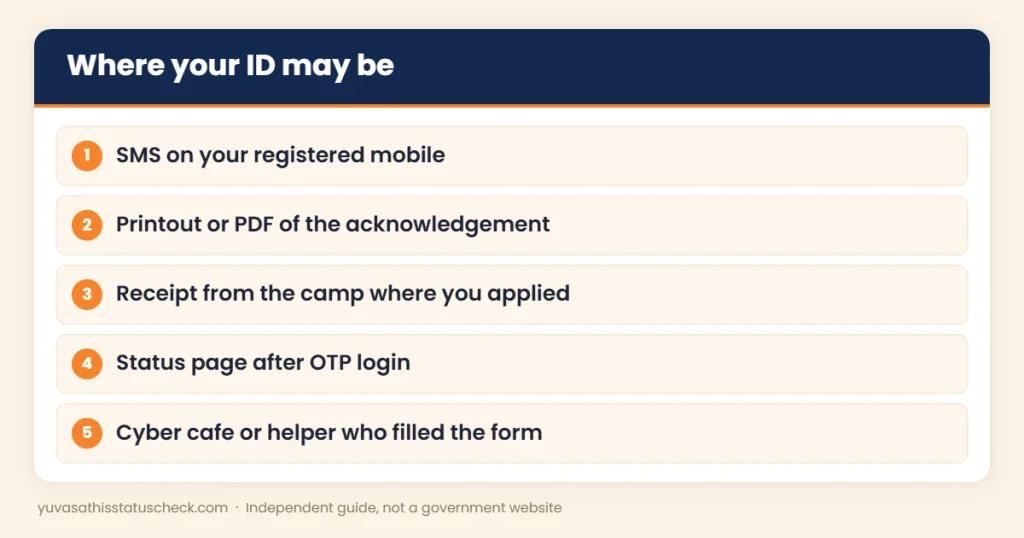
6 places to find your Yuva Sathi application ID
Search these places one by one. Most people find the number in the first two, so start there before you travel to any office or call anyone for help.
- SMS on your registered mobile. After submission, applicants usually got an SMS. Search your messages for “Yuva Sathi”, “Yuba Sathi” or “application”.
- Acknowledgement printout or PDF. If you applied online, the final page or acknowledgement may show the number. Check your phone’s downloads folder and your email.
- Camp receipt. If you applied at a camp, check the receipt or slip you were given.
- Status page after OTP. The official portal shows your Yuva Sathi application ID once you verify your registered mobile number with an OTP (steps below).
- The person who filled your form. If a cyber cafe, CSC or family member applied for you, ask them. They may have a printout or screenshot.
- Helpdesk or local office. If all else fails, they can search your record using your name, mobile number and other details.
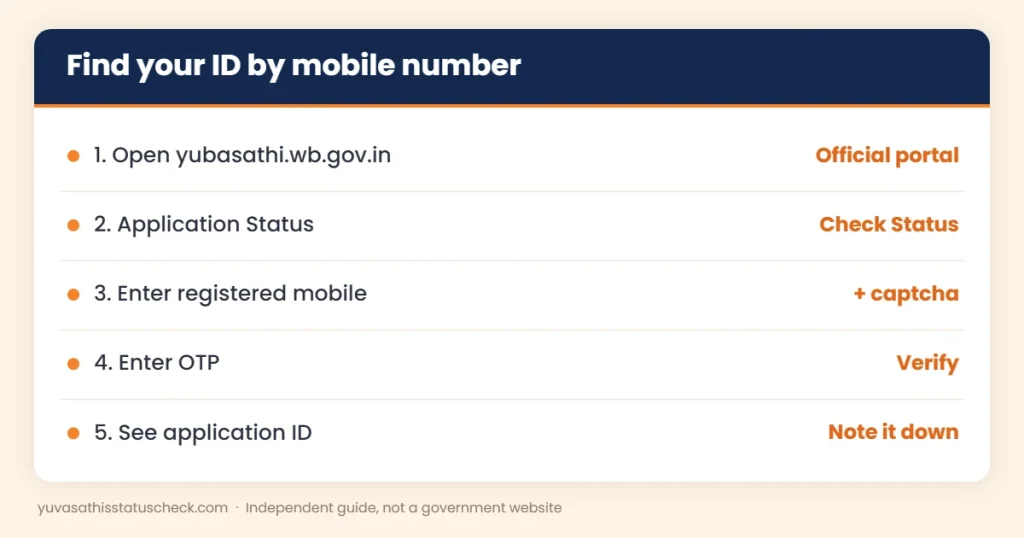
How to find Yuva Sathi application ID by mobile number
This is the easiest recovery method if you still use the mobile number you gave in the form. It takes only a few minutes on a phone or computer, and it is free.
- Open the official portal yubasathi.wb.gov.in.
- Choose Application Status, then Check Status.
- Enter the mobile number you used when you applied.
- Type the captcha shown on the screen.
- Request the OTP and enter it when it arrives.
- Your Yuva Sathi application ID and the current status will be displayed.
- Write the number down and take a screenshot.
For a detailed walkthrough with fixes for OTP problems, read our Yuva Sathi status check by mobile number guide. The general steps are also on our Yuva Sathi status check page.
If the OTP does not arrive
- Make sure you entered the same number you used in the form.
- Check that the SIM is active and has network coverage.
- Wait a minute before requesting the OTP again; repeated requests can be blocked for some time.
- Try at a less busy time, such as early morning or late evening.
- Clear your browser cache or try another browser.
Forgot your Yuva Sathi application ID and lost the mobile number?
This is harder, but it can still be solved. If the SIM is in your name, first get a duplicate SIM for the same number from your mobile operator’s store. This is often the quickest fix, because the OTP will then reach you again.
If the number is gone for good, contact help with as many details as you can:
| What to give | Why it helps |
|---|---|
| Full name as in Aadhaar | Helps match your record |
| Father’s name | Narrows the search |
| District, block or municipality | Points to the right office |
| Date of birth | Confirms identity |
| Old mobile number | The record is linked to it |
| Date and place you applied | Helps if you applied at a camp |
You can call the helpdesk or visit your local office. Our Yuva Sathi helpline number guide lists the reported helpdesk, the directorate email and the offices to visit. Never pay anyone who offers to “find” your Yuva Sathi application ID for a fee.
Checking for a family member
Many young people had a brother, sister or parent fill the form for them. If you are helping a family member find their number:
- Use the mobile number that was entered in their form, which may be yours.
- Keep their Aadhaar card nearby to confirm the name and date of birth.
- Do the OTP step only with their permission, and do not share the OTP with anyone else.
- Note the Yuva Sathi application ID in their name, not yours, to avoid mix-ups later.
If one mobile number was used for two or more family members, the status page may show more than one record. Check the name on each record carefully.
3 real-life examples
Nasrin, 24, Malda: She lost the printout but still used the same SIM. She used the mobile number method, verified the OTP and saw her number and status in two minutes.
Bapi, 29, Bankura: His form was filled at a cyber cafe using the shop owner’s mobile. He went back to the shop, and the owner found the SMS with his Yuva Sathi application ID.
Moumita, 33, North 24 Parganas: Her old SIM was lost. She took a duplicate SIM for the same number from her mobile operator’s store, then recovered the number on the portal.
Applied at a camp? Here is what to do
In February 2026, many people applied at government camps instead of online. If you applied this way:
- Look for the slip or receipt you were given at the camp.
- Check the SMS on the mobile number you wrote in the form.
- Use the mobile number method above; it works for camp applications too if your number was entered correctly.
- If nothing works, visit the BDO office (rural) or municipality office (urban) that ran the camp.
For more on how camps worked, see our Swanirvar Bangla Yuva Sathi camp guide.
How to use your Yuva Sathi application ID
Once you have the number, here is how to use it well:
- Check your status. Use the registration number option on the portal, or the mobile number method.
- Check payments. Our Yuva Sathi payment status page explains how to see whether money was sent.
- Ask the right question. When you call or visit, start with your Yuva Sathi application ID and one clear question.
- Keep a record. Note every date you checked or called, with the answer you got.
What your status may show
| Status | What it usually means | What to do |
|---|---|---|
| Submitted | Your form was received | Wait for verification |
| Under verification | Officials are checking papers | Keep your documents ready |
| Approved | You were found eligible | Check bank seeding for DBT |
| Rejected | You did not meet a rule or a paper failed | Read the reason; ask the local office |
| Not found | Wrong number or details entered | Recheck the number or mobile |
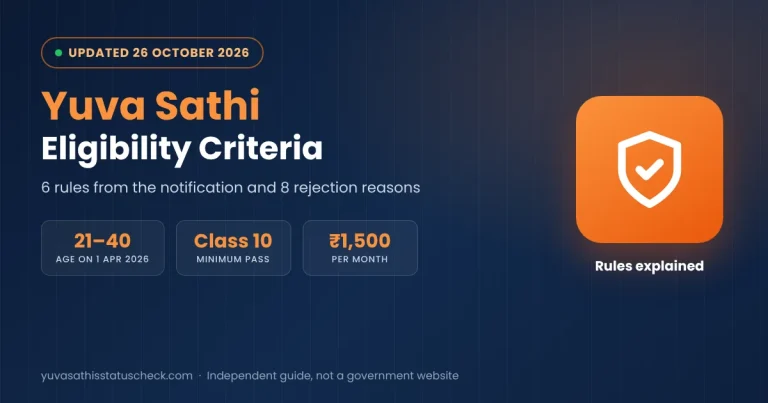
If you were rejected, compare your details with our Yuva Sathi eligibility criteria guide.
Why your record may not show
Sometimes the portal does not show anything even when you are sure you applied. Common reasons are:
- The form was not fully submitted, for example if the final submit step failed.
- A different mobile number was entered, such as the helper’s number.
- The portal is slow or under maintenance.
- Your record was merged or removed during verification of duplicates.
In these cases, try again on another day and then contact your local office with your details and any proof of applying, such as a photo of the form or the camp receipt.
Common problems with the Yuva Sathi application ID
| Problem | Likely reason | Fix |
|---|---|---|
| “Record not found” | Typing error or wrong number | Check each digit; try the mobile method |
| Two different numbers | One is a registration or SMS reference | Use the one shown on the status page |
| Applied twice | Duplicate forms were submitted | Ask the local office which one is valid |
| ID found, but status blank | Server or data update issue | Try again after a few days |
| Someone else’s number on your SMS | Helper used their mobile | Ask the helper to check their messages |
Details that must match your form
When you look up your record or speak to an office, these details should match what you entered in February 2026:
- Your name, spelt exactly as in Aadhaar.
- Your father’s name.
- Your date of birth.
- Your mobile number.
- Your district and block or municipality.
If any of these were entered wrongly, your record may be hard to find. Tell the office about the mistake openly; they can search with other details.
Using a cyber cafe or CSC safely
If you use a cyber cafe or Common Service Centre to check your status:
- Enter the OTP yourself and do not read it aloud.
- Ask the operator to log out and close the browser after you finish.
- Take a printout or a photo of the screen for your records.
- Pay only the normal printing or service charge; the government service itself is free.
When to visit the office in person
Visit your BDO office or municipality office if the portal does not find your record, if your status has not changed for several months, or if you need to correct a detail. Take your Aadhaar card, voter card, bank passbook and any note of your Yuva Sathi application ID or SMS. Go on a working day, reach early and keep photocopies ready.
Keep your scheme numbers organised
Young people in West Bengal often apply for several schemes and certificates over the years. Keep a simple record in a notebook or a phone note with:
- Scheme or certificate name.
- Application or registration number.
- Date you applied and where.
- Mobile number and email used.
- Current status and the date you last checked.
This habit will help with your Yuva Sathi application ID now and with the Yuva Shakti form, caste or income certificates and job applications later.
Keep your Yuva Sathi application ID safe
Your Yuva Sathi application ID is not a password, but it is personal information. Follow these simple rules:
- Save it in two places, such as a notebook and a phone note.
- Share it only with official helpdesks or local offices.
- Do not post screenshots of your status page on social media.
- Never share the OTP that comes with the status check.
- If a caller asks for your ID and then an OTP or money, it is a scam. Report it at cybercrime.gov.in or call 1930.
Will the Yuva Sathi application ID work for Yuva Shakti?
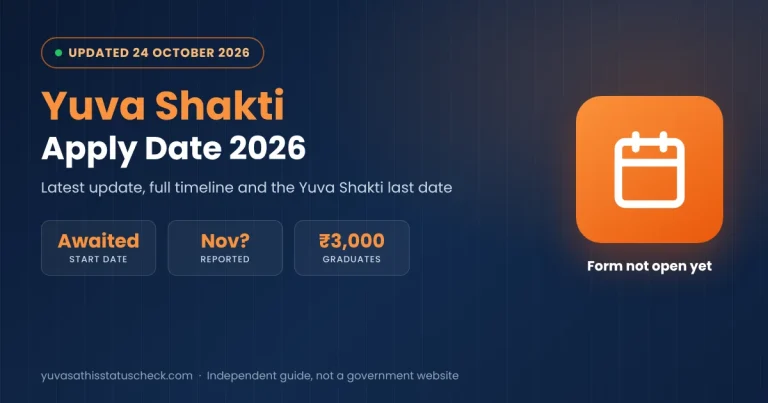
Probably not directly. The new Yuva Shakti scheme, called Bhorsha Karmasuchi in the budget, is expected to have its own form and new rules, including a reported family income limit. A report in May 2026 said all old and new beneficiaries would have to apply afresh under the new system.
So you will most likely get a new number when you apply for Yuva Shakti. Still, keep your old Yuva Sathi application ID. It can help if the government later asks about earlier applicants, or if you need to show that you applied in February 2026.
Read our Yuva Shakti scheme guide for the latest status and our Yuva Shakti vs Yuva Sathi comparison to see what changes. While you wait, make sure your bank is ready using our Yuva Shakti DBT link guide.
Frequently asked questions
What is the Yuva Sathi application ID?
It is the unique number given to your Banglar Yuva Sathi form when you applied online or at a camp in February 2026.
How can I find my Yuva Sathi application ID?
Check the SMS on your registered mobile, your acknowledgement printout or your camp receipt. You can also see it on the official portal after verifying your registered mobile number with an OTP.
I forgot my Yuva Sathi application ID. What should I do?
Use the mobile number method on yubasathi.wb.gov.in. If you lost that mobile, get a duplicate SIM or contact the helpdesk or your BDO or municipality office with your details.
Is the registration number the same as the application ID?
In most cases, yes. Different pages use different names for the same number. Use the number shown on your status page.
Can I check my status without the application ID?
Yes. You can check it with your registered mobile number and an OTP on the official portal.
Do I need to pay to recover my ID?
No. Recovery is free. Never pay anyone who offers to find your number.
Will my Yuva Sathi application ID work for Yuva Shakti?
Probably not. Yuva Shakti is expected to need a fresh application with a new number, but keep your old ID as a record.
Is it safe to share my application ID?
Share it only with official helpdesks or offices, and never share an OTP with anyone.
Sources we checked
- Official Yuva Sathi portal: application checklist and status services.
- WBPAY, 17 March 2026: helpdesk for status and grievances.
- Yojana Popular: status check using the application ID.
- India Hood Bangla, 28 October 2026: Yuva Shakti form not yet open.
Disclaimer: yuvasathisstatuscheck.com is an independent information website. It is not connected with the Government of West Bengal. Portal steps can change, so always follow what the official site shows.
One Comment